विवरण
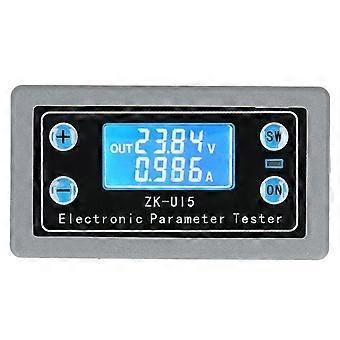
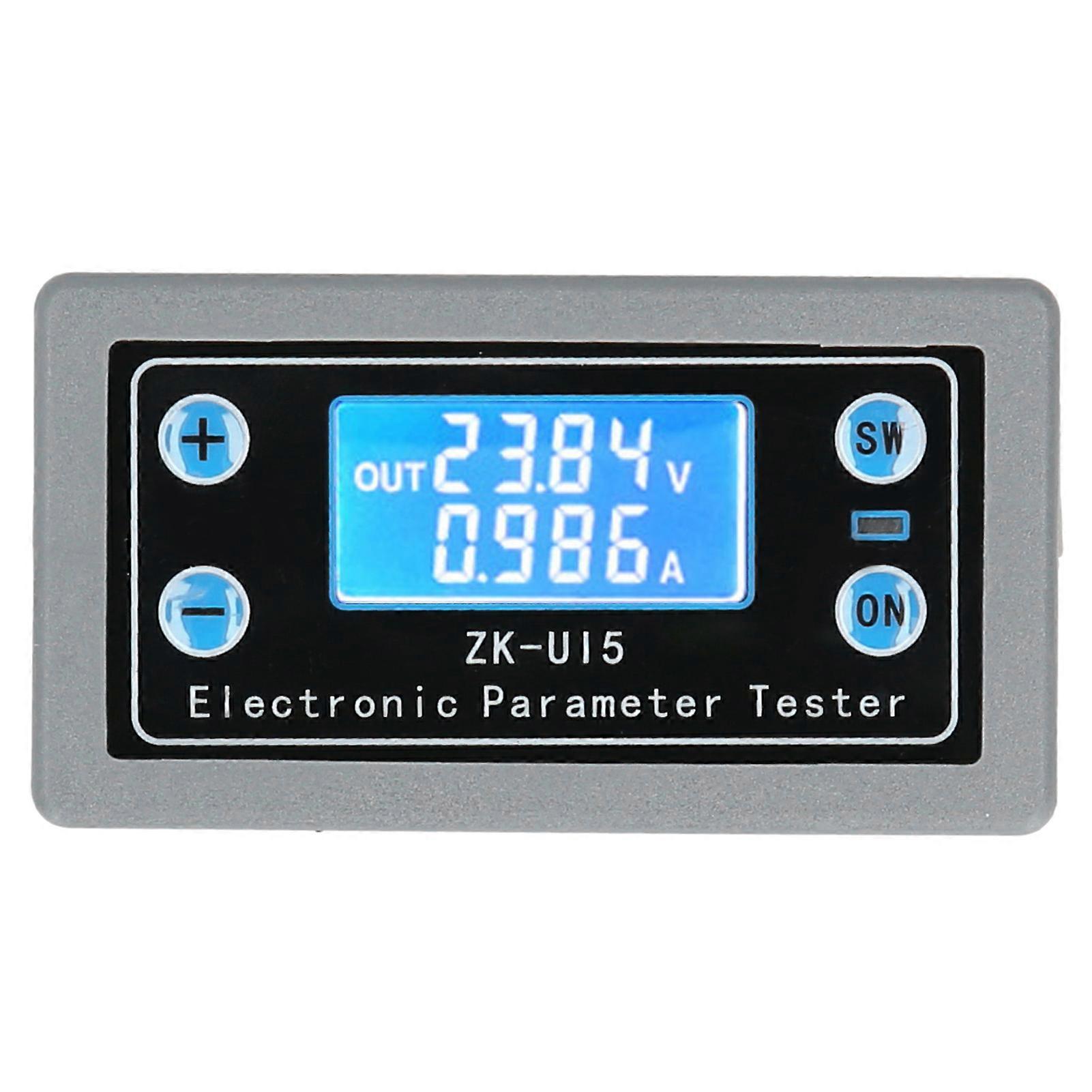
ZKU15 Voltage Current Testing Meter LCD Digital Display Multifunctional Volt Ammeter
Feature:
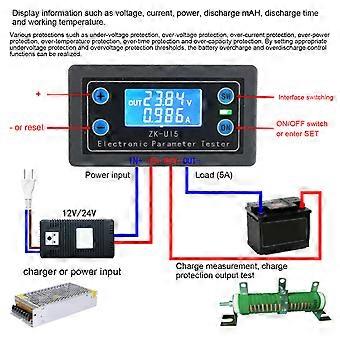
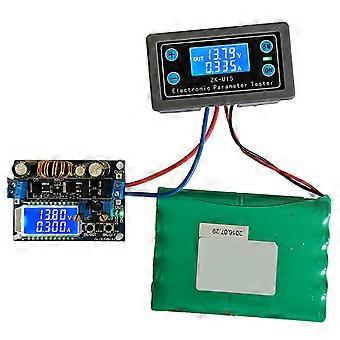
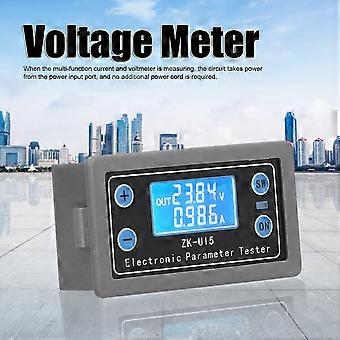
1. When the multi‑function current and voltmeter is measuring, the circuit takes power from the power input port, and no additional power cord is required.
2. The LCD screen display can display information such as voltage, current, power, discharge mAH, discharge time and working temperature.
3. The protection mechanism is complete, with under‑voltage protection, overvoltage protection, overcurrent protection, overpower protection, overtemperature protection, overtime protection and overcapacity protection.
4. By setting appropriate undervoltage protection and overvoltage protection thresholds, the battery overcharge and overdischarge control functions can be realized.
5. Timed and quantitative battery charging and discharging can be realized by setting appropriate overtime protection and overcapacity protection thresholds.
Specification:
Condition: 100% Brand New
Item Type: Multifunction Volt-Ammeter
Material: Plastic Housing
Product Size: Approx. 79 x 42 x 26mm/3.1 x 1.7 x 1in
Model
ZK-U15
Input Voltage
DC 5V-38V(With Anti-Reverse Connection)
Input Current
0.03A-5.00A
Operating Current
<=30mA
Voltage Accuracy
(±1%+1 Word)
Accuracy of Current
(±1%+1 Word)
Working Environment Temperature
-15℃-50℃
LVP Threshold of Undervoltage Protection
4.8V by Default (Adjustable between 4.8V-38V)
OVP Threshold for Overvoltage Protection
Default 38.0V(Adjustable between 4.8V-38.0V)
OCP Threshold for Overcurrent Protection
Default 5.5A (Adjustable between 0.5A-5.5A)
OTP Threshold of Overtemperature Protection
80℃(Adjustable between 40℃-80℃)
OCP Threshold for Overcurrent Protection
Default 5.5A (Adjustable between 0.5A-5.5A)
OPP Threshold of Overpower Protection
Default 200W(Adjustable between 1W-200W)
Detailed Product Function:
1. LCD screen display
In the setting mode, the LCD screen displays each setting parameter codes and parameter threshold.
2. Sound and light alarm
3. Automatic statistics of charge and discharge capacity and time. As long as the output is turned on (the RUN indicator is always on), the statistics will be started, and the output will be turned off (the RUN indicator is not on), and the statistics will be stopped. In the interface, long press the button-the corresponding data can be cleared. Start
Before statistics, please clear the statistics data to 0. The maximum discharge capacity (OAH) and maximum discharge time (OHP) can be set on or off in the setting mode (default off). After being turned on, the threshold value can be set. If the threshold value is exceeded, the output will be automatically turned off and the buzzer will alarm to achieve no Charging and discharging the battery on duty.
5. Complete software and hardware protection mechanism, and the software protection threshold can be adjusted. After software protection, the output is turned off.
Hardware Protection:
The input port of the module has anti-reverse connection protection, and the reverse connection will not burn.
Software Protection:
OVP overvoltage protection (default 38V, can be set by yourself, after overvoltage protection, the RUN indicator flashes, and the LCD interface displays OVP. During battery charging, setting a proper threshold can effectively prevent battery overcharging);
OCP overcurrent protection (default 5.5A, can be set by yourself, after overcurrent protection, the RUN indicator flashes, and the LCD displays OCP);
OPP over power protection (default 200W, can be set by yourself, after over power protection, RUN indicator flashes, LCD shows OPP);
Steps for Usage:
1. First connect the battery and load, and check whether the wiring is correct.
3. Long press the ON button to enter the setting interface, and SET is displayed in the lower left corner of the LCD screen.
5. Long press the ON button to exit the setting mode.
6. Short press the ON button, the indicator light is always on, the output is turned on, and the battery starts to discharge.
8. If you need regular discharge or constant capacity discharge, you can set OHP (timing) or OAP (constant capacity) parameters in the setting mode. Setting steps: In the setting interface, short press the SW key to switch to the OHP or OAH interface. Short press the ON button to turn on the timing or constant capacity function, and the LCD interface will change from OFF to digital. Press + or-to adjust the parameter size. After setting the parameters, long press the ON button to exit the setting interface. When the time or capacity reaches the set value, the output is turned off and the discharge is stopped, the LCD screen displays the OHP or OAP codes, the indicator light flashes, and the buzzer alarms..
Package List:
1 x Volt-Ammeter1 x English Manual
Note:
Please read the manual carefully before using this product!
-
Fruugo ID:
392385066-839512368
-
EAN:
7590917897006
उत्पाद सुरक्षा जानकारी
कृपया नीचे दी गई इस उत्पाद से संबंधित विशिष्ट उत्पाद सुरक्षा जानकारी देखें
निम्नलिखित जानकारी इस उत्पाद को बेचने वाले स्वतंत्र तृतीय-पक्ष खुदरा विक्रेता द्वारा प्रदान की गई है।
उत्पाद सुरक्षा लेबल

सुरक्षा चेतावनियाँ:
Warning: Please read the product instructions carefully before use to ensure correct use.
क्रम संख्या:
7590917897006