विवरण
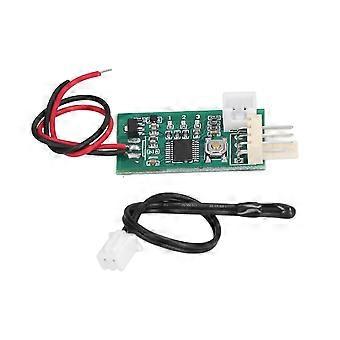
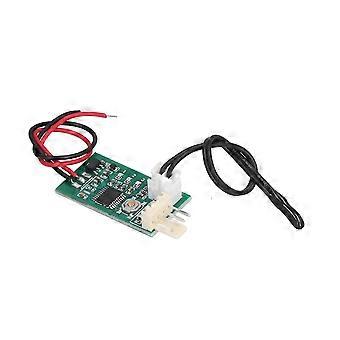
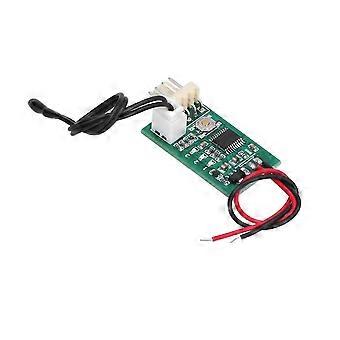
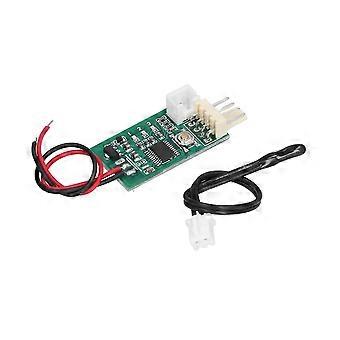
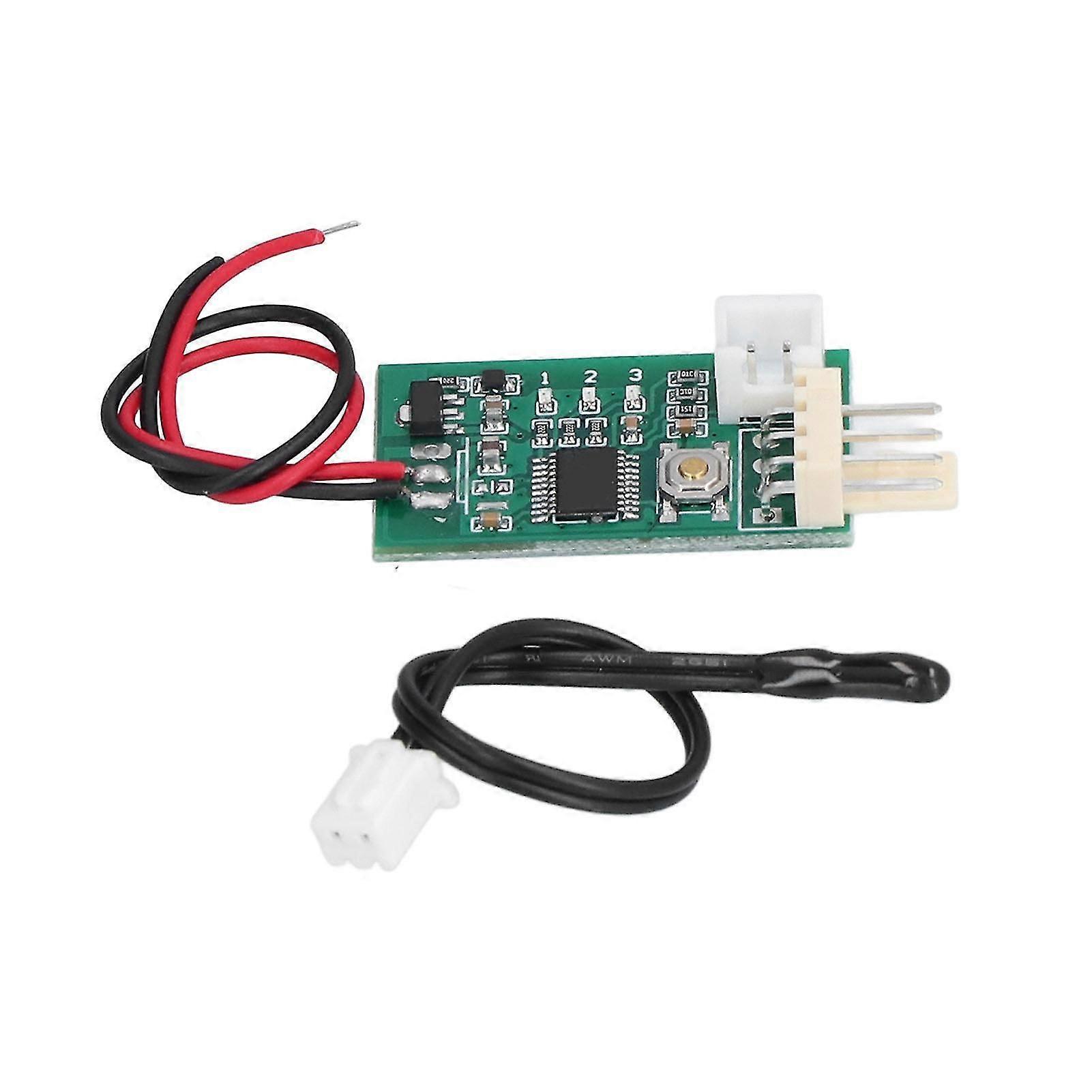
Fan Temperature Controller Accurate Control Manual Automatic DC 12V PWM Speed Controller
Item Type: Fan Temperature Controller_x000D_
Material: Plastic_x000D_
Working Voltage: DC12V Can Work in the Range of 8-18V, Please Pay Attention to the Fan Withstand Voltage_x000D_
Current Consumption: No More Than 20mA_x000D_
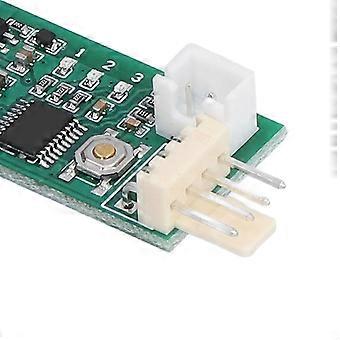
Fan Interface: 2510-4P Lacks 1 Elbow (Special Interface for Computer 4P Fan)_x000D_
Fan Current: the Interface Can Withstand 3A, if You Need to Control a Larger Current Fan, Please Take the Fan Power Cord Separately_x000D_
PWM Output Range: 10% -100_x000D_
Working Temperature: -10 to 60_x000D_
Temperature Probe Parameters: NTC 50K B=3950_x000D_
Probe Temperature Resistance: 120 for Small Black Head, 110 for Ring Probe_x000D_
Board Size: Approx. 34 x 19 x 11mm / 1.34 x 0.75 x 0.43in (Excluding the Extended Interface), the Fan Interface Extends 8mm_x000D_
Factory Default Values of the Setting Parameters: Low Speed 20%, Acceleration Temperature 30c, Acceleration Width 5c. Under This Temperature Setting, Hold the Thermal Probe with the Palm of Your Hand and It Will Accelerate After a While, and the Probe Will Get Full Speed within 2 Minutes if It is Clamped into the Armpit._x000D_
_x000D_
It Integrates Manual Speed Regulation and Automatic Temperature Control and Speed Regulation Function:_x000D_
1. Manual Control Without Temperature Probe. Click / Double?click (double?click Speed Not Too Fast) Button Up / Down Gear. Each Shift Continues After 20 Seconds, and the Gear is Automatically Stored. the No. 2 Indicator Flashes Rapidly in 20 Seconds (when the Temperature Control is Invalid). when the Flash is Stopped, It Indicates That the File Has Been Stored. the 3 / 1 Indicator Light is Always on when You Can Not Continue to Increase / Not Continue to Reduce the Position._x000D_
2. when the Temperature Probe is Installed, the Manual Speed is Used As the Initial Low Speed (bottom Line Speed). when the Temperature Exceeds the Accelerating Temperature, the Fan Speed Accelerates Smoothly with the Increase of Temperature. when the Temperature Reaches and Exceeds the Sum of the Acceleration Temperature and the Acceleration Width (full Speed Temperature), the Fan Runs at Full Speed._x000D_
Normal Operation: Click the Button Bottom Line Output Increased by 5%. Double Click the Bottom Line to Reduce Output by 5%. After Changing the Value, Run for 20 Seconds. Automatically Save the Parameters Until the Intermediate Indicator Stops Flashing. Enter the Temperature Control Setting by Long Press Button._x000D_
Temperature Setting State: _x000D_
Speed Setting (slow Flash), Click and Double?click to Set Up the Value, and then Enter the Acceleration Width Setting by Long Press. _x000D_
Acceleration Width Setting (flash), Click and Double?click to Change the Value, then Long Press to Save and Exit the Temperature Settings._x000D_
Note: If You Do Not Operate in the Set State for 20 Seconds, then Automatically Exit the Settings, Do Not Save Parameters._x000D_
Example Instruction:_x000D_
Bottom Line 20%, Acceleration Temperature 35, Acceleration Width 15._x000D_
When the Probe Temperature is Lower Than 35 Degrees Centigrade, the Output Signal is Always 20%. when the Probe Temperature is Higher Than 35 Degrees, the Controller Can Increase the Output Signal Smoothly According to the Temperature Rise, and the Fan Accelerates. when the Probe Temperature Reaches or Exceeds 50 (35+15), the Controller Outputs the Full Speed Signal and the Fan Runs at Full Speed. According to the Specific Performance of the Fan, the Actual Speed of the Fan Will Be Somewhat Different._x000D_
The Controller Has Supported the Control of the Reverse Timing Fan. Specific Setting Method:_x000D_
First, Power off and Remove the Fan. Press the Set Button to Electrify the Controller. Keep the _x000D_
Settings Button Always Hold (about 3 Seconds) Until the Three Lights Turn into Double Flash State and then Release the Button._x000D_
The Indicator Lamp Turns into a Single Light, Which Represents the Entry Mode Setting State._x000D_
The Controller is Divided into Three Kinds of Working Modes, Corresponding to 1, 2, 3 _x000D_
Indicator Light Double Flashing, Through Short Press Button Switch, Set the Long, Press the Button to Save and Exit the Set Mode and Automatically Back to Normal Working State. the Three Working Modes Are As Follows:_x000D_
1. Conventional Pwm Fan Control Mode (default Mode). This Mode is Used for the Four Wire_x000D_
Fan Control of the Standard for Intel Specification._x000D_
2. Conventional Reverse Sequence Pwm Fan Control Mode. This Mode is Used in Most _x000D_
Reverse Timing Four Wire Fan Control. when the Fan is in Normal Mode Control, the Speed _x000D_
Change is Opposite, and the Control Line is Connected to the Negative Pole at Full Speed._x000D_
3. Reverse Sequence Fan 80% Control Mode. This Mode is Used in a Very Rare Type of _x000D_
Reverse Timing Fan. when the Fan is in Conventional Mode Control, the Speed Change
-
Fruugo ID:
350087018-763301425
-
EAN:
9342430285024